PassBell

Team calls over your own Wi-Fi

Your team, one tap away.

Reception calls housekeeping, the kitchen calls a waiter, the till calls the stock room. Tap a name: their phone rings, their watch buzzes, they tap “On my way” and it turns green.

Coming soon to Google Play · Free for 1 station and 2 people

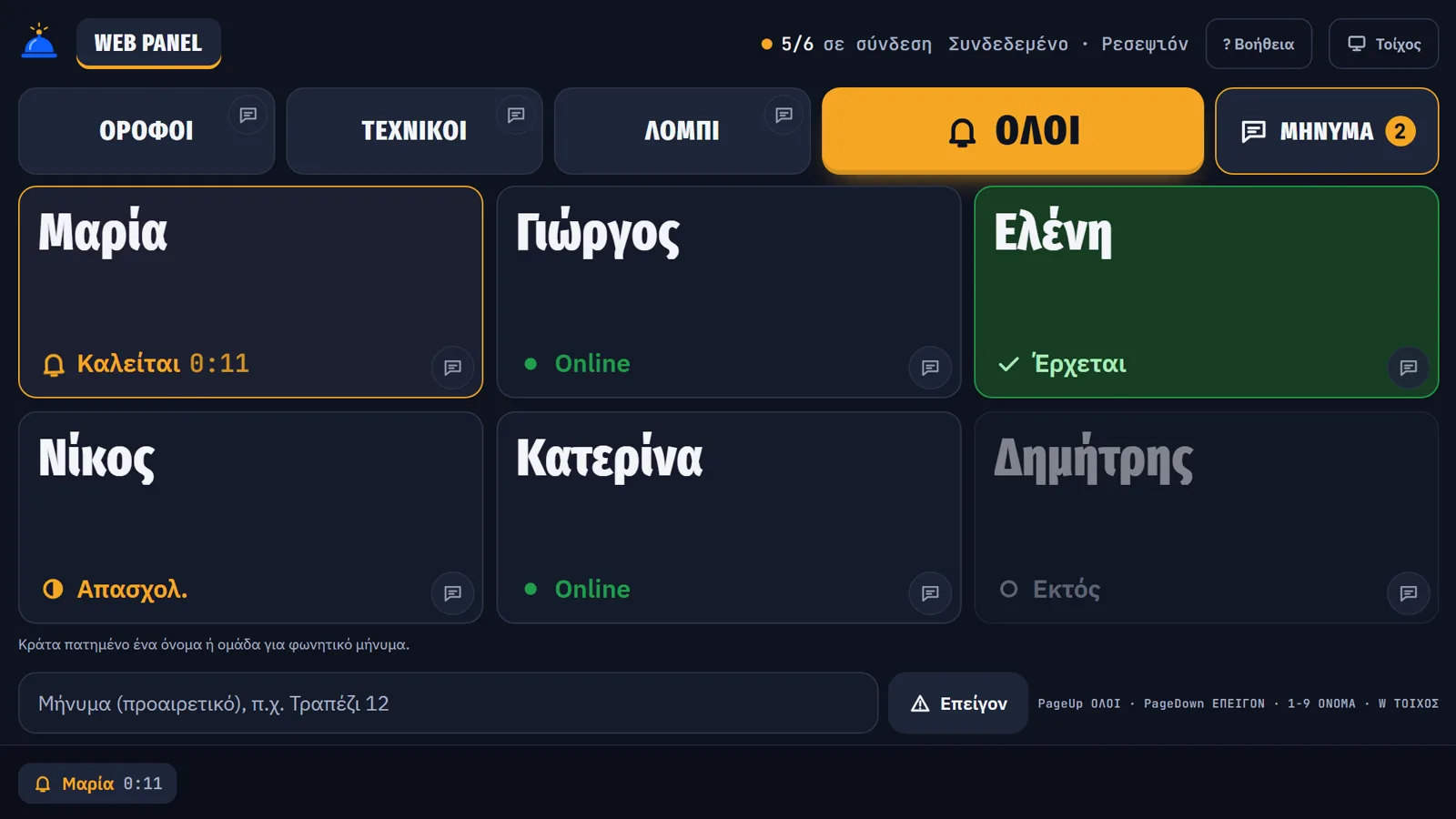
The real station screen on a computer: groups Floors, Technicians, Lobby, the ALL button and name cards. Maria is ringing, Eleni is on her way, Dimitris is offline.
The real station screen on a computer, shown in Greek. Names are a hotel example.

For any team that works on its feet

  • Restaurants
  • Cafés and bars
  • Beach bars
  • Hotels
  • Kitchens and catering
  • Weddings and events
  • Shops
  • Garages
  • Warehouses
  • Gyms and spas
  • Marinas and campsites

Where it works

  • Android phone and tablet Soon

    Coming soon to Google Play

  • Computer

    Windows or Mac computer: the station opens in Chrome or Edge and installs like an app. On Linux, in the browser only. An old Android tablet works too, from Chrome.

  • iPhone and iPad Soon

    Coming later. Until then, an old Android at the venue does the job.

Your team coordinates in silence. Guests only see great service.

Nobody waits
The plate does not cool on the pass, the drink does not sit at the bar, the guest is not searching the room for a waiter. Whoever is needed knows the moment it happens.
One person sees it, everyone knows
A table asks for the bill, a guest is waiting at reception. Whoever spots it sends a message or a voice note from their phone, and the right people know at once.
A calmer team
No shouting from the kitchen, no running around. Less tension between staff and managers, even on a full shift.
The impression that stays
Your team's coordination goes unnoticed. Guests see service that simply flows: more professional, more relaxed.

What it replaces

The old ways of reaching someone at work, and what PassBell does instead.

  • Walkie-talkies

    The problem: Bulky, one more device to carry and charge. Everyone hears everything, and guests often do too.

    With PassBell: The phone they already carry becomes the walkie-talkie: live talk to one person or a group. For everything else, a silent buzz on the wrist.

  • Pagers with a base station

    The problem: You buy the devices and the base, and replace them when they get lost or break. You never know if anyone saw the page.

    With PassBell: Nothing to buy: the phones and watches you already have. You see who tapped “On my way”.

  • Shouting and the counter bell

    The problem: The whole floor hears it, the right person does not. The plate waits on the pass.

    With PassBell: Call only the person you need, on their phone and watch. Guests hear nothing.

  • Phone calls and WhatsApp groups

    The problem: They need the internet and personal numbers. The message gets lost among others and nobody knows if it was read.

    With PassBell: It stays on your business Wi-Fi, with no phone numbers. The station shows who got it and who did not.

  • Wired intercoms, running around

    The problem: A technician, holes and cables, and it is stuck in one spot. Otherwise someone runs to find the other person.

    With PassBell: Set up with one QR in a few minutes, no technician. It goes wherever the phone goes, within your Wi-Fi.

How fast a call arrives

Median times, measured on two Android phones on a normal Wi-Fi. A blink of an eye takes about 0.3 s.

From the tap to the phone ringing: under
<0.1 s
From “On my way” to green on the station: about
≈0.15 s

Set up in minutes, no technician

  1. The station

    Open PassBell on a tablet or a computer and give it a name, such as “Reception”. Add as many stations as you need: kitchen, bar, till.

  2. The team joins

    Each person scans the QR code or picks it from the “Stations nearby” list. You approve when you see the same code. Once, for good.

  3. You call

    Tap a name, a group or ALL. If nobody answers within 60 seconds, the station says “Not answered”. No call is ever lost silently.

One call in 20 seconds Animated walkthrough built from the app's screens, a restaurant example. No sound.

What it does today

Everything here is in the app now.

Calls that never get lost

  • One person, a group or ALL with one tap. Undo within 5 seconds.
  • A call is resent until the phone confirms it. The station shows who is ringing, who is coming and who is offline.
  • Several stations, each with its own name, colour and vibration pattern.
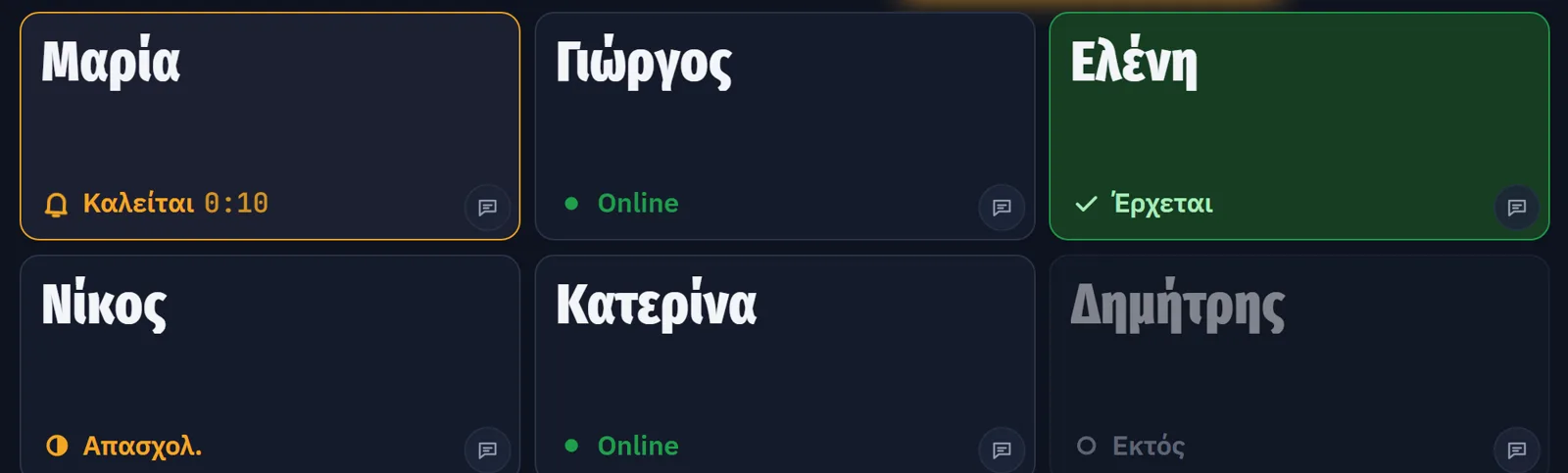
Team cards on the station showing every state: Maria ringing, Giorgos and Katerina online, Eleni on her way (green), Nikos busy, Dimitris offline.

Team messages

  • Text messages to everyone, a group or one person, with ready-made phrases.
  • Seven days of history, kept inside your business. A new call always comes first.
  • Private on the phone's lock screen.
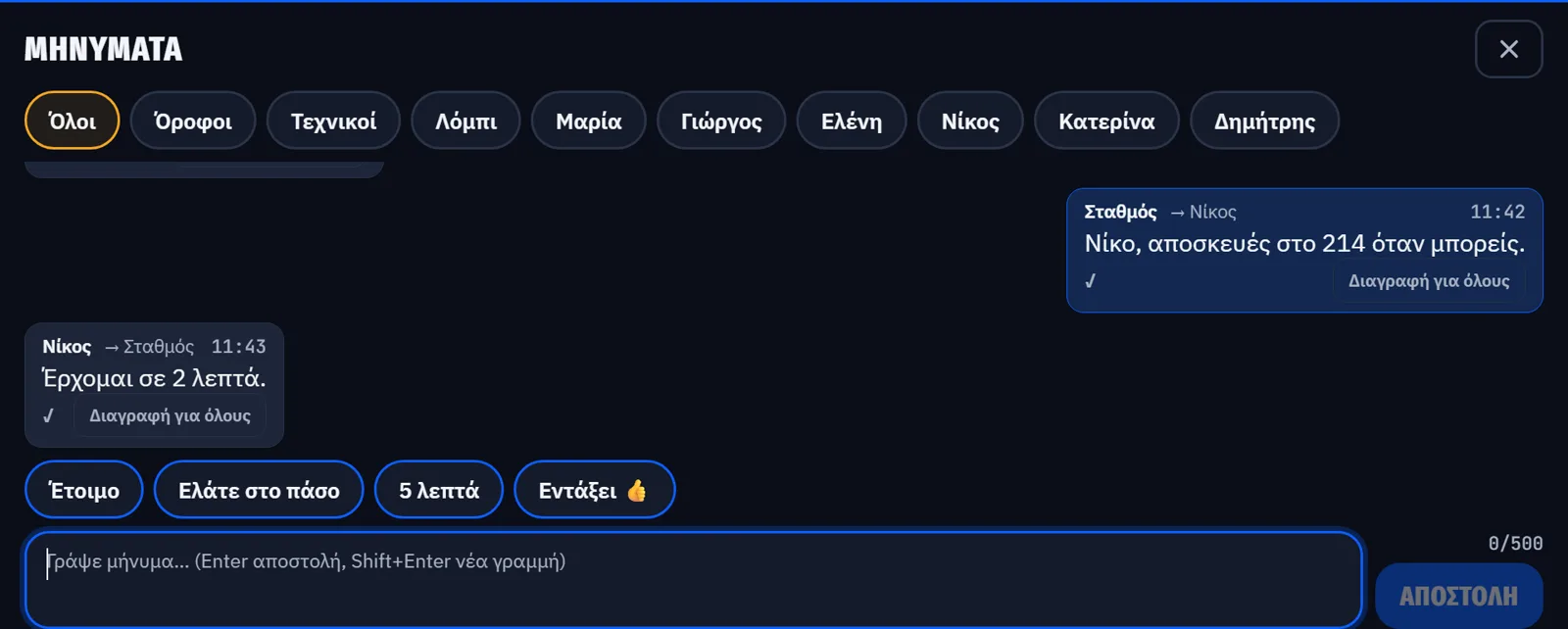
Team messages open over the station: recipients All, groups and names, a station message to Nikos about luggage for room 214 and his reply “Coming in 2 minutes”.
Voice
Hold a name and speak for up to 15 seconds; see who heard it. Or talk live (push to talk) to whoever you choose. Live voice travels encrypted and nothing is recorded.
Watch
A Wear OS app: the call lights up the screen and you answer “On my way” from the wrist. Other watches (Galaxy, Garmin, Amazfit, Xiaomi) buzz with the phone's notification.
Station on a computer
On Windows or Mac with Chrome or Edge. Install it like an app, add people with a QR code, hear voice messages through the speakers, use it as a wall screen.
Backup and restore
The station backs itself up to the owner's Google Drive. On a new tablet everything comes back with your Gmail, no new QR codes.
If a station goes off
Another station of the business takes over by itself in about 6 seconds. Phones do not need to do anything. A new station joins with the manager PIN.
Your business, set up once
A business name, as many stations as you need and your team's phones. One phone can belong to several businesses. “Remove from the shop” for anyone who leaves the job.
Back in with Google, no QR
A phone that was replaced or reset rejoins the business with that person's Google account, no new QR code.
Help inside the app
Questions with steps, and “Check my setup”, which finds what is missing on the phone or the Wi-Fi and tells you what to tap.
Greek and English
The first release speaks Greek and English. Nine more languages, including German, Italian, Turkish and Arabic, are switched on one by one after a native speaker checks each.
It stays inside your business

Calls do not need the internet. Pull the internet cable out of the router: they keep going.

Privacy policy

  • Calls, voice and messages travel only over your Wi-Fi. They never pass through our servers.
  • Voice lives in memory only until it is played. Nothing is recorded.
  • The backup goes to your own Google Drive, not to us.
  • This website has no cookies, no trackers and no third-party fonts.

Pricing

Start free: 1 station and 2 people, for good.

PassBell plans: people, stations, and prices per month, 6-month season and year
PlanPeopleStationsMonthSeason (6 months)Year
Freeup to 21Free, no time limit
Small teamup to 5unlimited€6€30€55
Team most venuesup to 10unlimited€10€50€90
Unlimitedany numberunlimited€20€100€180
Event passany numberunlimited€10 once, for 72 hours
  • Launch price 2027: whoever signs up keeps it.
  • Google Play shows the price in your currency, with tax. Payments, cancellations and refunds are handled there.
  • Season: pay 5, get 6. Year: pay 9, get 12. The season fits islands and beaches, the 72-hour pass fits weddings.
  • Up to 2 people above your plan join free for 14 days.

What you need

  • An Android tablet, or a computer with Chrome or Edge, for the station. An old one is fine.
  • An Android phone for each person. A watch is optional.
  • Your business Wi-Fi. Calls need no internet.

Want to be one of the first 10 venues?

The first 10 venues get the Team plan (up to 10 people) free for one year. In return we ask for honest feedback and a review.

No spam: we write to you once, when it is ready.

Only to notify you. Nothing else. Privacy

FAQ

What if the internet goes down?

Nothing changes. Calls, voice and messages travel only over the Wi-Fi. The router just has to be on.

Does it replace walkie-talkies?

Yes, wherever your Wi-Fi reaches: the phones do live push to talk and receive calls. For a large outdoor area such as a beach, add one or two Wi-Fi access points; without Wi-Fi the phones cannot reach the station.

What if a call does not arrive?

You see it. The station resends the call until the phone confirms it and, if nobody answers within 60 seconds, shows “Not answered”.

A phone cannot find the station. What do I do?

Put the phone and the station on the same Wi-Fi, not the guest network. Tap “Check my setup” in Help: it tells you what to change. You can also type the code shown under the QR.

Is my Wi-Fi enough?

Walk the floor with the phone open. The app shows the link quality: Connected, Weak signal or Disconnected. A spot that stays weak needs a second access point or a mesh unit, about 90 euro. The honest limit: sunbeds 80 metres from the router will not work with one router.

Which watches work?

Wear OS watches have their own app with an “On my way” button. Galaxy, Garmin, Amazfit, Xiaomi and others buzz with the phone's notification; the pattern depends on the brand.

Does it work on iPhone?

Not yet. Team members need Android phones. The station can also be a Windows or Mac computer with Chrome or Edge.

Does it work in any browser?

Best in Chrome or Edge: everything works there, and on Windows and Mac the station installs like an app. In Safari and Firefox voice messages and live talk do not work, so use Chrome or Edge for the station.

What if the tablet breaks or gets lost?

The station keeps a backup in your Google Drive. On the new tablet you sign in with your Gmail and everything comes back: stations, groups, names and phones, with no new QR codes.

Someone left the job. How do I remove them?

On the station, in the team list, tap “Remove from the shop”. All their phones lose access to calls and messages at once.

Is voice recorded?

No. The microphone opens only while you hold the button. The sound never goes to the internet and is not stored anywhere.

How much battery does it use?

The app waits quietly between calls and never keeps the screen on. We have not measured it on every phone yet; we will publish the figure after our two-hour test.

Does the subscription need internet?

Only to check the plan, once a day when it is there. Offline the plan stays valid for 14 days; after that the station uses the free plan. Calls never stop.

How do I cancel or get a refund?

In Google Play, under Subscriptions in your account.

What about staff data (GDPR)?

It stays on your station. Per-person statistics are off by default; if you switch them on, you as the employer must tell your staff.

Is it an alarm system?

No. PassBell is for work calls. It does not replace an alarm, fire safety or an emergency system.

Is there support?

There is no call centre. Help inside the app solves the usual problems. For anything else, write to support@passbell.app.

Who we are

PassBell is made by a small team in Greece, led by someone who runs restaurants. We test it first in our own venues, during real shifts.

Company
TODO_COMPANY
Country
Greece
Contact
support@passbell.app
Legal
Privacy · Terms

Coming to Google Play

Free for 1 station and 2 people, with no time limit.

Setup guide